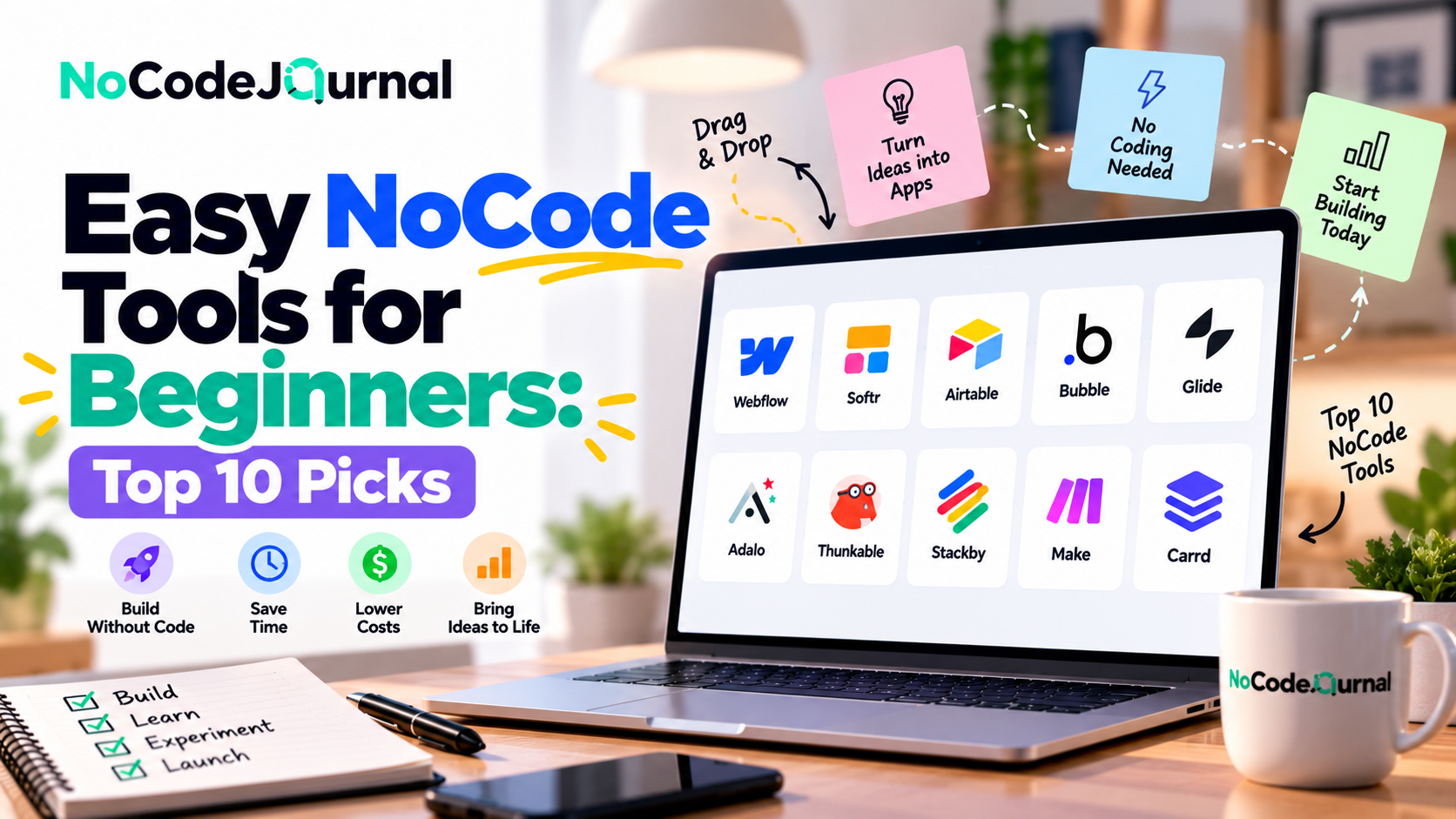
Have you ever wanted to build a website, launch an app, or automate your daily tasks but stopped because you don't know how to code?
You're not alone.
For years, software development seemed like something only programmers and technology experts could do. Creating even a simple application often required learning programming languages, understanding databases, and managing complicated technical systems.
Today, that's changing.
NoCode tools make it possible for people without technical backgrounds to build useful digital products using visual interfaces, templates, and drag-and-drop features.
Whether you're a small business owner, student, freelancer, entrepreneur, or content creator, these tools can help turn your ideas into working solutions.
You don't need to become a programmer to get started. You simply need to understand the problem you want to solve and choose the right platform.
In this guide, we'll explore ten easy NoCode tools for non-tech beginners, explain what each platform does, and help you choose the best option for your first project.
What Are NoCode Tools?
NoCode tools are software platforms that allow users to build websites, applications, databases, and automated workflows without manually writing traditional programming code.
Instead of typing complicated instructions, users interact with visual development environments.
For example, you might create a website by dragging text boxes, images, and buttons onto a page.
Similarly, you could build a business dashboard by connecting a spreadsheet to a visual interface.
Many NoCode platforms provide ready-made templates, integrations, and automation features that simplify the entire development process.
How Do NoCode Tools Work?
Most beginner-friendly NoCode platforms use three basic components:
-
Visual builders: Create interfaces using drag-and-drop elements.
-
Prebuilt templates: Start with existing designs instead of creating everything from scratch.
-
Automated workflows: Configure actions that happen when specific events occur.
Although programming still powers these platforms behind the scenes, users generally don't need to interact directly with the underlying code.
This accessibility is one of the biggest advantages of NoCode development.
For a deeper explanation, explore our article on the benefits of NoCode development.
Why Are NoCode Tools Perfect for Non-Tech Beginners?
NoCode platforms are particularly valuable for people who have creative ideas but limited programming experience.
Lower Technical Barriers
Traditional programming requires learning syntax, development frameworks, and technical concepts.
NoCode platforms simplify many of these requirements through visual tools.
Faster Project Creation
Beginners can often create simple websites, forms, databases, or automations much faster than they could through traditional programming.
Affordable Starting Options
Many platforms offer free plans, trials, or entry-level subscriptions.
This makes experimenting with a business idea more accessible, although premium features and usage limits can affect long-term costs.
Greater Independence
NoCode tools allow individuals to make routine changes without relying on developers for every update.
Opportunities for Experimentation
Users can test ideas, collect feedback, and improve their projects before investing heavily in custom development.
These benefits make NoCode a practical starting point for digital entrepreneurship.
1. Wix: Build Your First Website Without Coding
Wix is a popular website-building platform designed for users who want to establish an online presence without programming knowledge.
Its visual editing tools and customizable templates help beginners build websites for different purposes.
Key Features
-
Drag-and-drop website editing.
-
Customizable website templates.
-
AI-assisted website creation.
-
Blogging and content management.
-
Business tools and e-commerce options.
-
Built-in hosting.
Why Wix Is Beginner-Friendly
Imagine you're a freelance photographer who wants to showcase your portfolio.
Using Wix, you can select a photography template, upload your images, customize page layouts, and publish a website.
You can also add contact forms and service descriptions to help visitors inquire about your work.
For beginners, Wix reduces the need to manage many separate technical components.
Best for: Personal websites, portfolios, small businesses, and service providers.
If you want a complete website-building walkthrough, read our guide on how to build your dream website without coding.
2. Canva: Create Professional Designs Without Design Experience
Canva is a visual design platform that allows people to create graphics, presentations, marketing materials, and simple web pages.
Although it isn't primarily an application development platform, its visual approach makes it useful within a NoCode toolkit.
Key Features
-
Ready-made design templates.
-
Drag-and-drop editing.
-
Social media graphics.
-
Presentation creation.
-
Video editing.
-
AI-assisted design features.
-
Simple website publishing options.
Why Canva Is Beginner-Friendly
Suppose you're launching a small bakery.
You might need a logo, promotional flyers, Instagram posts, and a simple digital menu.
Canva allows you to create these materials using customizable templates.
You can change colors, replace photographs, edit text, and export completed designs.
The platform helps non-designers produce consistent visual content without learning professional graphic design software.
Best for: Content creators, marketers, students, educators, and small business owners.
3. Zapier: Automate Repetitive Tasks Without Programming
Zapier is a NoCode automation platform that connects different applications and allows them to exchange information.
It's especially useful for people who repeatedly transfer information between software tools.
Key Features
-
Visual workflow automation.
-
App integrations.
-
Prebuilt automation templates.
-
Event-based triggers and actions.
-
Multi-step workflows.
-
AI-assisted automation capabilities.
How Zapier Works
Imagine you operate a small consulting business.
Whenever someone completes your website's inquiry form, you manually copy their information into a spreadsheet and send a confirmation email.
Zapier can help automate these activities.
For example:
-
A customer submits a website form.
-
Zapier receives the form information.
-
A new row is created in a connected spreadsheet.
-
An acknowledgment email is triggered.
This eliminates repetitive data entry and helps maintain a consistent response process.
Zapier's official guide to NoCode workflow automation explains how visual builders use triggers, actions, and integrations to connect business processes.
Best for: Freelancers, marketers, entrepreneurs, and businesses looking to save time through automation.
4. Airtable: Organize Information and Build Simple Business Apps
Airtable combines familiar spreadsheet-style functionality with database and application-building features.
It can help beginners organize information and create customized workflows.
Key Features
-
Spreadsheet-style data tables.
-
Custom fields and views.
-
Forms for collecting information.
-
Automations.
-
Visual interfaces.
-
Collaboration features.
-
AI-assisted application building.
Why Airtable Is Useful
Suppose you're managing a small event-planning business.
You need to track event dates, vendors, budgets, and customer information.
Instead of maintaining disconnected spreadsheets, you can organize this information in Airtable.
Different views can display upcoming events, pending payments, or vendor assignments.
You can also create forms to collect new customer information.
Beginners can follow Airtable's official Introduction to Airtable basics to understand workspaces, databases, records, fields, and interfaces.
Best for: Project management, content calendars, customer tracking, event planning, and small business operations.
5. Glide: Turn Business Data Into Functional Apps
Glide is a NoCode application builder that allows users to create applications using structured data.
It's particularly useful for transforming business information into interactive interfaces.
Key Features
-
Visual application building.
-
Data integration.
-
Application templates.
-
Forms and interactive components.
-
User access controls.
-
Workflow automation options.
Building a Simple App With Glide
Imagine a school administrator who needs an application to manage extracurricular activities.
The administrator could organize information about students, activities, schedules, and registrations.
Using Glide, this information could become an application where authorized users can view schedules and manage relevant records.
Rather than starting with programming, the builder focuses on organizing data and designing the user experience.
Glide can also support internal business tools such as inventory trackers and employee directories.
Best for: Simple business apps, internal tools, directories, and data-driven applications.
6. Notion: Organize Projects, Knowledge, and Workflows
Notion is a workspace platform that combines documents, databases, task tracking, and collaboration features.
It isn't a traditional software development platform, but it's a useful NoCode tool for organizing work.
Key Features
-
Customizable pages.
-
Databases and tables.
-
Project templates.
-
Task management.
-
Team collaboration.
-
Linked information.
-
AI-assisted productivity features.
Why Beginners Like Notion
Consider a student managing multiple assignments, extracurricular activities, and personal projects.
Instead of switching between notebooks, calendars, and spreadsheets, the student can create a centralized workspace.
A database might track assignment deadlines, while another page stores class notes.
Entrepreneurs can also use Notion to organize business ideas, customer research, meeting notes, and content schedules.
Best for: Students, freelancers, startups, and teams seeking simple organization tools.
7. Webflow: Create More Customized Websites Visually
Webflow is a visual website development platform offering detailed design controls, responsive layouts, and content management functionality.
It can be more challenging for complete beginners than template-focused builders, but it provides significant flexibility.
Key Features
-
Visual website design.
-
Responsive layout controls.
-
Content management.
-
Animations and interactions.
-
Hosting and publishing.
-
SEO-related settings.
-
Reusable components.
When Should Beginners Choose Webflow?
Webflow is particularly useful when visual customization matters.
For example, a design agency might want a portfolio with distinctive layouts, animations, and customized project pages.
Webflow allows users to create many of these experiences visually.
However, beginners should expect to learn basic concepts such as layout structure, spacing, classes, and responsive design.
The official Webflow design basics learning path introduces these concepts through beginner-level lessons.
Best for: Designers, creative professionals, and users seeking greater website design control.
8. Bubble: Build Interactive Web Applications
Bubble is a visual development platform designed for creating web applications with more advanced functionality.
Unlike simpler website builders, Bubble supports database-driven interfaces, user accounts, and application workflows.
Key Features
-
Visual application editor.
-
Built-in database capabilities.
-
User authentication.
-
Workflow logic.
-
API integrations.
-
Plugins.
-
Application deployment.
What Can You Build With Bubble?
Imagine an entrepreneur planning to create an online marketplace connecting tutors with students.
The application might need user profiles, listings, registration forms, and booking requests.
Bubble provides tools for creating these features visually.
However, building a complex application still requires understanding how data, permissions, and workflows interact.
For absolute beginners, Bubble has a steeper learning curve than a basic website builder.
Best for: Startup founders, MVP development, marketplaces, and interactive web applications.
9. Tally: Create Forms Without Coding
Tally is an online form builder designed to simplify information collection.
Users can create forms using a familiar document-like editing experience.
Key Features
-
Customizable online forms.
-
Conditional logic.
-
File uploads.
-
Form integrations.
-
Embedding options.
-
Templates.
-
Response collection.
Practical Uses for Tally
Suppose you're organizing a local workshop.
You need to collect attendee names, email addresses, and session preferences.
With Tally, you can create a registration form and share it through a link or embed it on a website.
For more advanced workflows, form responses can be connected to other tools through supported integrations.
Tally is particularly useful because beginners can achieve a meaningful result without first learning complex application-building concepts.
Best for: Registration forms, surveys, customer feedback, and lead generation.
10. Carrd: Launch Simple Websites and Landing Pages
Carrd is a lightweight website builder focused on creating simple, responsive one-page websites.
Its straightforward approach makes it suitable for beginners who don't need complex functionality.
Key Features
-
One-page website creation.
-
Responsive templates.
-
Visual editing.
-
Custom domain support on eligible plans.
-
Forms and integrations on supported plans.
-
Simple publishing.
Why Carrd Is a Good Starting Point
Imagine you're launching a digital newsletter.
You need a landing page explaining the newsletter's purpose and encouraging visitors to subscribe.
Carrd can help you create this page without building an entire multi-page website.
You could include a headline, brief description, subscription form, and contact information.
For a more complete marketing strategy, explore our guide on how to build a marketing funnel without code.
Best for: Landing pages, personal profiles, newsletters, and simple promotional websites.
How to Choose the Best NoCode Tool for Your Needs
With so many platforms available, beginners may feel overwhelmed.
The easiest way to choose is to identify what you actually want to build.
| Your Goal | Recommended Tools |
|---|---|
| Create a basic website | Wix, Carrd |
| Design marketing materials | Canva |
| Automate repetitive tasks | Zapier |
| Organize business data | Airtable |
| Build a simple internal app | Glide |
| Manage projects and notes | Notion |
| Create a customized website | Webflow |
| Develop an interactive web app | Bubble |
| Collect registrations and feedback | Tally |
| Launch a landing page | Carrd |
You don't need to learn every tool.
Start with one platform that solves a specific problem.
Once you're comfortable, explore integrations and additional features.
How to Start Using NoCode Tools: A Beginner's Guide
Step 1: Identify a Problem
Begin with a simple challenge.
Perhaps you want to create a portfolio, organize customer inquiries, or automate appointment reminders.
Choosing a specific problem makes learning easier.
Step 2: Select a Beginner-Friendly Platform
Match your project to a suitable tool.
For example, choose Carrd for a basic landing page or Airtable for a project tracker.
Avoid selecting a highly complex platform when a simpler solution would work.
Step 3: Use a Template
Templates help beginners understand how successful projects are structured.
Start with an existing design and customize it.
This reduces the effort required to create everything from scratch.
Step 4: Build a Simple First Version
Focus on essential functionality.
For a portfolio website, that might mean a homepage, project gallery, and contact form.
Don't add unnecessary features before testing the basics.
Step 5: Test Your Project
Review your project carefully.
Check forms, navigation, permissions, and integrations.
Ask a friend or colleague to test the experience and share feedback.
Step 6: Improve Gradually
Once your first version works, introduce additional functionality.
You might connect a form to a database or automate an email notification.
This approach helps you learn through practical experience.
Common Mistakes Non-Tech Beginners Should Avoid
Although NoCode platforms are designed to simplify development, beginners should be aware of several common mistakes.
Trying Too Many Tools at Once
Learning multiple platforms simultaneously can become confusing.
Choose one tool and become comfortable with its basic features before exploring others.
Building Too Many Features
It's tempting to create a highly sophisticated project immediately.
However, starting with a simple version makes testing and troubleshooting easier.
Ignoring Security and Privacy
Even visual applications can expose sensitive information when permissions are configured incorrectly.
Review data access settings, authentication options, and privacy requirements.
Overlooking Subscription Costs
Free plans may have limitations involving storage, custom domains, automations, or number of users.
Understand potential costs before relying on a platform for business-critical operations.
Expecting NoCode to Solve Every Technical Problem
Some projects require advanced programming, specialized integrations, or complex infrastructure.
NoCode works best when platform capabilities align with project requirements.
Can NoCode Tools Help You Start a Business?
Absolutely. NoCode tools can help entrepreneurs experiment with ideas before investing in expensive development.
Consider someone planning to launch an online coaching service.
They could use Canva to create promotional content, Carrd to build a landing page, Tally to collect inquiries, and Zapier to automate follow-ups.
This creates a basic digital business workflow without requiring custom software development.
Similarly, a startup founder could use Bubble to test an application concept or Glide to create a simple internal tool.
The main advantage is the ability to validate demand before making larger financial commitments.
For more practical ideas, read our guide on building sales funnels with NoCode tools.
Are NoCode Tools Really Free?
Some NoCode platforms provide free plans, but their capabilities vary.
A free plan may be suitable for learning, experimenting, and building small personal projects.
However, commercial projects may require paid subscriptions for custom domains, additional storage, advanced workflows, or higher usage limits.
Some tools also charge based on users, automation executions, or resource consumption.
Before committing to a platform, compare its current pricing structure and consider your future requirements.
A tool that's inexpensive for a prototype may become more costly as usage increases.
The best choice balances ease of use, functionality, and long-term affordability.
The Future of NoCode Tools for Beginners
NoCode platforms are continuing to evolve through artificial intelligence, improved integrations, and more intuitive development environments.
AI-assisted features can help users generate layouts, configure workflows, and create initial application structures from natural-language descriptions.
For example, a user may describe a simple customer-management application and receive an automatically generated starting point.
These capabilities can make development more accessible.
However, users must still understand their objectives, review generated results, and test application functionality.
As NoCode technology improves, the opportunities for non-technical creators are likely to expand.
Entrepreneurs, educators, professionals, and hobbyists can increasingly participate in building digital products.
Conclusion: Start Building Without Coding
Learning programming is no longer the only path to creating websites, applications, and automated workflows.
Easy NoCode tools give non-tech beginners practical ways to turn ideas into digital solutions.
Platforms such as Wix, Canva, Zapier, Airtable, Glide, Notion, Webflow, Bubble, Tally, and Carrd serve different purposes, but they share an important goal: making technology creation more accessible.
The key is to choose the right tool for your project.
Start with a small idea, explore a beginner-friendly template, and focus on building something useful.
As your confidence grows, you can experiment with more advanced features and connect multiple tools.
You don't need to know how to code to start creating. You just need a clear idea and the willingness to learn.
Frequently Asked Questions
What is the easiest NoCode tool for beginners?
Carrd and Wix are approachable choices for simple websites, while Canva is easy to start with for visual content. The easiest tool depends on what you want to create.
Can I build an app without coding?
Yes. Platforms such as Glide and Bubble allow users to create applications visually. More advanced projects may require additional learning or developer assistance.
Which NoCode tools are free?
Several platforms offer free plans or limited free options, including Canva, Airtable, Notion, Tally, and Wix. Available features and limitations vary.
Is NoCode suitable for small businesses?
Yes. Small businesses can use NoCode platforms for websites, customer management, forms, automation, and internal operations.
How long does it take to learn NoCode?
Basic features of simple tools can often be learned in a few hours. More complex application builders may require days or weeks of practice.
Do I need a technical background to use NoCode tools?
No. Many platforms are designed for non-technical users, although understanding basic concepts such as data organization and workflow logic can be helpful.