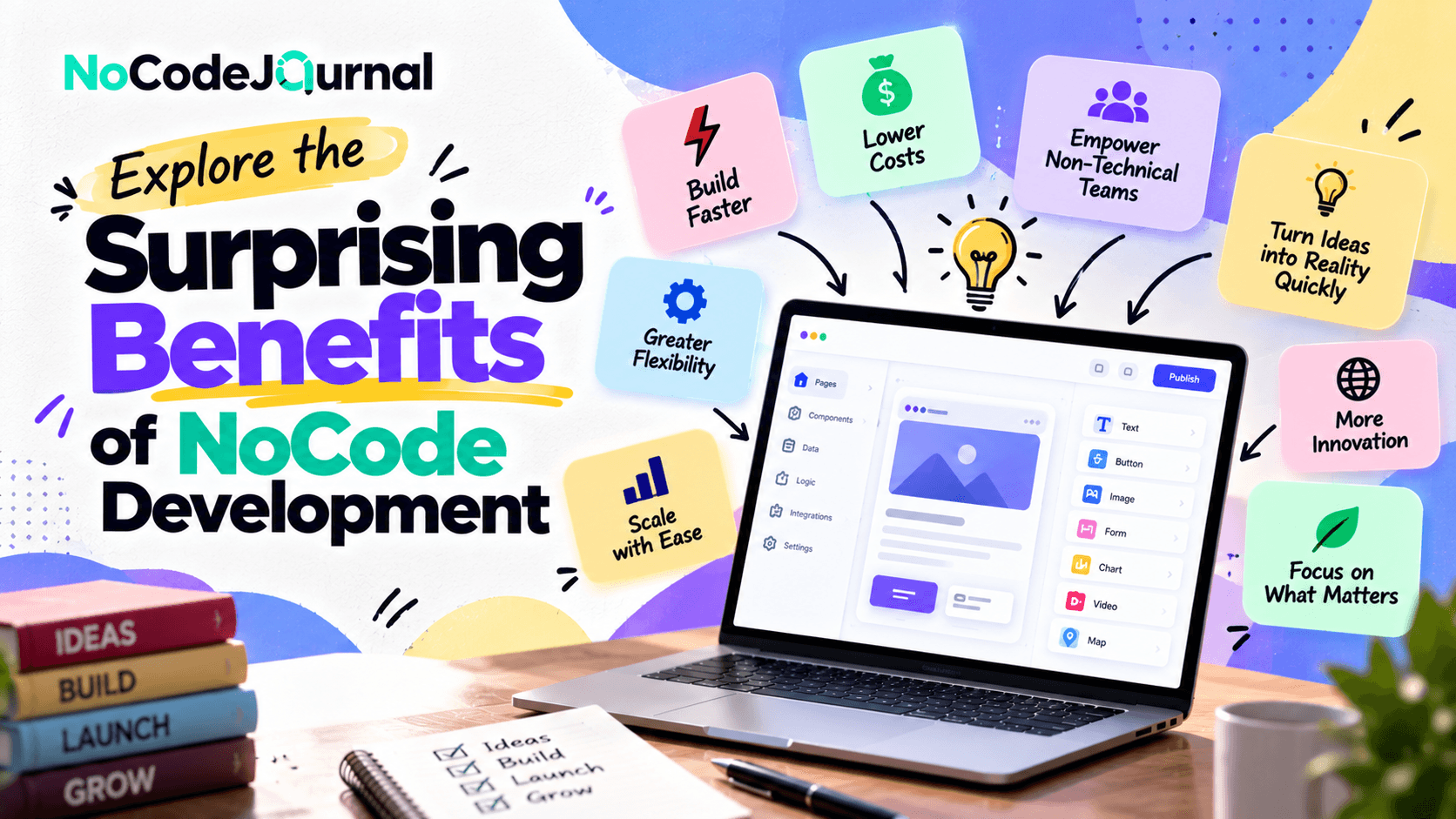
What Are the Main Benefits of No-Code Development in 2026?
No-code development helps individuals and businesses create websites, applications, databases, and automated workflows without extensive programming knowledge. Its main benefits include faster development, lower initial costs, easier maintenance, rapid prototyping, and greater accessibility for non-technical users. In 2026, platforms such as Webflow, Bubble, Airtable, Zapier, and Glide make it easier for startups, freelancers, and business teams to build digital solutions, test ideas, and improve operational efficiency without developing every feature from scratch.
Best No-Code Development Tools: Benefits and Pricing (October 2026)
|
Tool |
Starting price |
Best for |
Key limitations |
|---|---|---|---|
|
Webflow |
Free; Basic $15/month |
Professional websites and landing pages |
Basic plan excludes full CMS features |
|
Bubble |
Free; Starter $59/month |
Web and mobile applications |
Workload limits and learning curve |
|
Airtable |
Free; Team $20/user/month |
Databases and collaborative workflows |
Record limits and paid collaborators |
|
Zapier |
Free; Professional $19.99/month |
Automating business processes |
Task limits and premium integrations |
|
Glide |
Free; Basic $25/month |
Internal tools and simple business apps |
Free plan cannot publish apps; usage limits |
Pricing checked October 16, 2026, in USD. Webflow, Bubble, Airtable, and Zapier paid prices shown use annual billing. Glide Basic is listed at $25/month. Prices exclude applicable taxes and possible additional usage charges.
Which No-Code Development Platform Should You Choose?
The best no-code platform depends on your project requirements, technical experience, and budget.
Webflow is suitable for businesses creating professional websites and landing pages, while Bubble is designed for more complex applications that require user accounts, databases, and interactive functionality.
Airtable helps teams organize business data, track projects, and manage collaborative workflows. Zapier is useful for connecting applications and automating repetitive tasks without manually building integrations.
For businesses looking to create internal dashboards, employee tools, or lightweight operational applications, Glide offers an accessible visual development environment.
Our recommendation: Start with a free plan to validate your idea before committing to a paid subscription. Compare scalability, integrations, customization, security, and long-term operating costs before selecting a platform.
What Is NoCode Development?
NoCode development is an approach to building websites, applications, and automated workflows without manually writing programming code.
Instead of using programming languages such as JavaScript, Python, or PHP, users work with visual development environments, drag-and-drop interfaces, ready-made components, and predefined integrations.
For example, someone creating an online appointment-booking application can visually design the booking form, connect it to a database, and configure automated confirmation emails.
The platform handles much of the underlying technical implementation.
Popular NoCode and low-code platforms include:
-
Bubble: For developing interactive web applications.
-
Webflow: For creating visually customized websites.
-
Airtable: For organizing data and building connected workflows.
-
Zapier: For automating tasks across different applications.
-
Glide: For creating applications from structured data.
-
Microsoft Power Apps: For developing business applications using visual tools.
Although NoCode and low-code are closely related, they aren't identical. NoCode focuses on visual development without requiring programming, while low-code allows developers to extend applications with custom code.
Both approaches make software development more accessible.
If you're interested in building your first project, explore our guide on how to build your dream website without coding knowledge.
1. Faster Application Development and Product Launches
One of the biggest benefits of NoCode development is speed.
Traditional software development involves several stages, including planning, interface design, programming, testing, debugging, and deployment.
Depending on complexity, these activities can take weeks or months.
NoCode platforms simplify many of these processes through visual development tools, reusable templates, and built-in functionality.
Instead of creating every application component from scratch, users can assemble existing building blocks and customize them to meet specific requirements.
Why development speed matters
Businesses operate in competitive environments where launching a product at the right moment can make a significant difference.
Imagine a startup planning to launch a customer-feedback application.
With traditional development, the team might need to hire programmers, configure servers, and develop a database before releasing an initial product.
Using a suitable NoCode platform, the startup could create an early version much faster.
This approach allows businesses to:
-
Launch minimum viable products (MVPs) sooner.
-
Test business ideas before making major investments.
-
Respond quickly to changing customer requirements.
-
Experiment with additional features.
-
Reduce delays between planning and execution.
According to Microsoft's Power Apps research summary, a commissioned Forrester study reported a 50% reduction in application development time for the organizations modeled.
Although results vary by project and platform, the research demonstrates the potential productivity benefits of visual development.
2. Lower Development Costs for Startups and Businesses
Building software can be expensive, particularly for small businesses and early-stage startups.
Traditional development may require specialized programmers, designers, infrastructure specialists, and ongoing technical support.
NoCode development can reduce some of these costs by minimizing the amount of custom programming required.
Many platforms offer subscription-based pricing, allowing entrepreneurs to begin with a smaller financial commitment.
How NoCode reduces expenses
Consider a small business that wants to create an online customer portal.
Instead of immediately commissioning a fully custom application, the business could use a NoCode platform offering authentication, forms, databases, and workflow functionality.
This can reduce initial development expenses while allowing the company to evaluate customer demand.
Other potential savings include:
-
Lower initial development expenditure.
-
Reduced infrastructure setup requirements.
-
Less time spent implementing common features.
-
Faster updates and maintenance.
-
Reduced dependence on specialized development resources.
However, NoCode isn't automatically cheaper in every situation.
Subscription charges, premium integrations, usage limits, and platform migration costs should be considered when calculating long-term expenses.
The greatest cost advantage often comes from choosing NoCode for projects that closely match a platform's existing capabilities.
3. Empowering People Without Technical Backgrounds
Perhaps the most exciting advantage of NoCode development is accessibility.
For years, creating software required knowledge of programming languages, databases, and technical architecture.
NoCode platforms make it possible for people from different professional backgrounds to participate in application development.
Entrepreneurs, marketers, educators, designers, consultants, and operations managers can create practical digital solutions using visual interfaces.
Turning business knowledge into applications
Imagine a marketing manager who needs a customized lead-management system.
Previously, the manager might have submitted a request to the IT department and waited for development resources.
With NoCode tools, they may be able to create a basic lead-tracking dashboard themselves.
Similarly, an educator could develop a student registration system, while a restaurant owner could create a simple reservation-management application.
This approach encourages citizen development, where employees without formal programming backgrounds create applications to solve business problems.
Importantly, accessibility doesn't eliminate the need for technical oversight.
Applications handling sensitive information, complex permissions, or critical business operations still benefit from professional review.
4. Simplifying Business Process Automation
Businesses often spend significant time completing repetitive administrative tasks.
These activities might include updating spreadsheets, forwarding customer inquiries, organizing documents, sending reminders, or preparing reports.
NoCode automation tools help connect business applications and perform these tasks automatically.
A practical automation example
Imagine an online consulting business receiving inquiries through its website.
Without automation, an employee might manually transfer customer details into a spreadsheet, send an acknowledgment email, and notify a sales representative.
Using NoCode automation, the process could work differently:
-
A potential customer submits an inquiry form.
-
Their information is automatically added to a CRM.
-
A personalized acknowledgment email is triggered.
-
The appropriate sales representative receives a notification.
-
A follow-up task is created.
This process reduces repetitive manual work and allows employees to focus on more valuable activities.
Automation can also improve consistency by ensuring that predefined workflows follow the same steps each time.
For practical applications, read our article on building a marketing funnel without code.
5. Encouraging Creativity and Innovation
Traditional software development can sometimes discourage experimentation because building even a basic application requires time and money.
NoCode development lowers the cost of trying new ideas.
Instead of spending months planning a complete product, entrepreneurs can create small prototypes, collect feedback, and improve their solutions.
This creates opportunities for innovation across different industries.
Making experimentation easier
Consider an entrepreneur interested in developing a marketplace for local artists.
Before investing in a full application, they could create a simple prototype featuring artist profiles, product listings, and inquiry forms.
After sharing the prototype with potential users, the entrepreneur could discover which features customers actually value.
Perhaps buyers prefer direct artist communication over traditional checkout functionality.
That insight could change the entire product strategy.
NoCode makes these discoveries easier because the initial product can often be modified without extensive redevelopment.
The surprising benefit isn't simply faster software creation. It's the ability to learn what customers want before committing substantial resources.
6. Improving Collaboration Between Teams
Software projects often involve communication between business stakeholders and technical developers.
A business manager explains an operational problem, a designer develops an interface, and a developer translates the requirements into working software.
Misunderstandings between these groups can create delays.
NoCode platforms can improve collaboration by providing a visual representation of how applications work.
Business professionals can participate directly in designing forms, reviewing workflows, and testing functionality.
Developers can then focus on integrations, security, technical architecture, and more advanced requirements.
Better collaboration in practice
Imagine a sales team requesting a new reporting dashboard.
Instead of describing the entire interface through documents, the team could create an initial visual dashboard showing the information it needs.
Technical specialists could review the structure, connect appropriate data sources, and strengthen access controls.
This shared development process helps organizations create applications that better reflect actual business requirements.
NoCode therefore supports collaboration rather than simply replacing traditional development roles.
7. Easier Maintenance and Continuous Improvement
Application development doesn't end when software is launched.
Businesses must regularly update content, adjust workflows, fix problems, and respond to changing customer expectations.
Traditional applications may require developer involvement for many of these changes.
NoCode platforms often simplify routine updates through centralized visual editors.
For example, a business owner might be able to change a registration form, update page content, or modify an automated email workflow without editing source code.
Why easier maintenance matters
Small improvements can have a significant cumulative impact on customer experience.
A company might discover that customers abandon a registration process because the form contains unnecessary questions.
With a NoCode platform, an authorized team member could simplify the form and test whether completion rates improve.
The business can then continue optimizing the experience based on actual customer behavior.
However, maintenance isn't entirely eliminated. Platform updates, integrations, permissions, and data structures still require monitoring.
The key advantage is that many everyday improvements become easier to implement.
8. Building Customized Internal Business Tools
Another surprising benefit of NoCode development is the ability to create tools tailored to specific organizational requirements.
Businesses frequently rely on spreadsheets, email conversations, and disconnected applications to manage daily activities.
These systems may work initially, but they can become difficult to maintain as operations grow.
NoCode and low-code platforms offer an alternative by making customized internal applications more practical.
Examples include:
-
Inventory tracking systems.
-
Employee onboarding portals.
-
Customer relationship management dashboards.
-
Expense approval applications.
-
Project management tools.
-
Complaint tracking systems.
-
Sales performance reports.
A business doesn't necessarily need a large, custom-built enterprise system to improve a single workflow.
Sometimes a focused internal application can solve the problem effectively.
Tools such as Retool are particularly relevant to this category. Learn more on Retool’s website streamlining business workflows with Retool.
9. Helping Businesses Respond Faster to Market Changes
Customer expectations, technology, and market conditions continually evolve.
Businesses that respond quickly to these changes can gain an important competitive advantage.
NoCode development supports adaptability by making it easier to modify digital products and launch new initiatives.
For example, an online retailer might notice increasing demand for personalized product recommendations.
Rather than immediately rebuilding its entire e-commerce system, the company could experiment with a compatible NoCode personalization or customer segmentation workflow.
Similarly, a service business could quickly create a landing page for a new offer.
These experiments help organizations evaluate opportunities without committing to large-scale development projects.
Marketing teams can particularly benefit from this flexibility.
Explore our guide to building conversion-focused funnels with NoCode tools to understand how visual development supports faster campaign execution.
10. Supporting Digital Transformation in Small Businesses
Digital transformation isn't limited to large corporations.
Small businesses also need efficient systems for managing customers, processing information, and delivering services.
However, limited budgets and technical resources can make technology adoption challenging.
NoCode development can help businesses gradually replace manual processes with digital solutions.
A small business example
Consider a local home services company managing appointments through phone calls and handwritten records.
Using appropriate NoCode tools, the company could build an online appointment form connected to a customer database.
It could then introduce automated confirmations, scheduling notifications, and simple performance reports.
As the business grows, additional workflows could be introduced.
This gradual approach allows the company to adopt digital technology without immediately replacing every existing system.
The result can be better operational visibility, fewer administrative bottlenecks, and a more convenient customer experience.
11. Making Data More Accessible for Better Decisions
Business decisions become more effective when teams can access accurate information.
Unfortunately, important data is often scattered across spreadsheets, databases, and different software platforms.
NoCode tools can bring selected information together through dashboards and connected workflows.
For example, a business might create a dashboard displaying sales activity, incoming leads, customer inquiries, and completed transactions.
Instead of manually preparing separate reports, team members could view updated information in one location.
Visual dashboards can help businesses identify trends, recognize operational problems, and monitor performance.
The underlying information must still be accurate and properly governed. NoCode simplifies data presentation but doesn't automatically guarantee data quality.
12. Creating New Opportunities for Entrepreneurs
NoCode development has made digital entrepreneurship more accessible.
Individuals no longer need to become expert programmers before experimenting with many software-based business ideas.
A freelancer might build a client portal. A fitness instructor could launch a membership platform. A consultant could create a specialized assessment application.
These businesses can begin with relatively simple solutions and expand as customer demand increases.
Starting small and validating demand
For an aspiring entrepreneur, the most valuable first step is often proving that customers want a product.
NoCode tools make it possible to build an initial solution, attract early users, and gather feedback before making a larger investment.
This approach fits naturally with lean startup principles.
Rather than attempting to launch a perfect application immediately, entrepreneurs can improve products through continuous experimentation.
Read our article about growth hacking strategies for startups for additional ways to test, market, and grow a new business.
Are There Any Limitations to NoCode Development?
Despite its advantages, NoCode development isn't suitable for every project.
Some applications require advanced computational functionality, highly specialized integrations, or extensive control over infrastructure.
Organizations should also consider platform dependency, subscription pricing, scalability, accessibility, and data portability.
Security is particularly important.
A visual interface doesn't automatically make an application secure. Teams must still configure authentication, permissions, data protection, and appropriate monitoring.
Gartner's research on governing business automation platforms highlights security, compliance, and operational concerns that can arise when organizations use low-code tools without sufficient oversight.
For organizations adopting these technologies, Microsoft's application modernization guidance also discusses technical debt, governance, and security considerations.
The best approach is to evaluate NoCode against the project's requirements rather than assume it can replace every traditional development method.
How to Get Started With NoCode Development
Starting with NoCode development doesn't require an expensive technology investment.
Begin by identifying a specific problem you want to solve.
Perhaps your business needs a customer inquiry form, an automated reporting workflow, or a simple internal dashboard.
Next, choose a platform that supports the required functionality.
Start with a small prototype instead of developing every possible feature.
Test the solution using realistic data, collect feedback from actual users, and improve the application based on what you learn.
Before launching publicly, review security, accessibility, integrations, and expected operating costs.
Once the initial solution performs reliably, you can gradually expand its functionality.
The Future of NoCode Development
The future of NoCode development is increasingly connected with artificial intelligence, automation, and more accessible software creation.
AI-assisted platforms can already help users generate application layouts, create workflows, and develop functionality through natural-language instructions.
These capabilities may reduce technical barriers even further.
However, human judgment remains essential.
Businesses must still understand customer problems, design effective processes, evaluate security risks, and ensure that applications deliver meaningful value.
As NoCode and AI-assisted development continue evolving, the distinction between technical and non-technical creators may become less rigid.
More people will be able to participate in building technology, while experienced developers will remain important for complex engineering challenges.
Conclusion: Why NoCode Development Matters
The benefits of NoCode development extend far beyond building applications without programming.
NoCode enables faster experimentation, improves accessibility, supports automation, and helps businesses develop practical digital solutions with fewer initial resources.
For startups, it can provide a faster route to testing new ideas. For small businesses, it can simplify operations. For larger organizations, it can help departments solve specific problems while allowing technical teams to concentrate on more complex priorities.
Although NoCode isn't a universal replacement for traditional software development, it has become a valuable option for organizations seeking flexibility and efficiency.
The most important benefit of NoCode development is the freedom to focus less on technical barriers and more on solving real problems.
Whether you're an entrepreneur, marketer, business owner, or aspiring digital creator, the right NoCode tools can help transform your ideas into working solutions.
The next step is simple: identify a problem worth solving, choose the right platform, and start building.
Frequently Asked Questions
What is the biggest benefit of NoCode development?
One of the biggest benefits is accessibility. NoCode platforms allow people without extensive programming knowledge to create websites, applications, and automated workflows. Faster development and reduced initial costs are also major advantages.
Is NoCode development suitable for startups?
Yes. NoCode can be especially useful for startups building prototypes and minimum viable products. It allows founders to validate ideas and gather customer feedback before investing in more complex development.
Can NoCode applications handle business growth?
Some NoCode platforms support substantial growth, but scalability depends on the platform, application architecture, integrations, and usage requirements. Businesses should review these factors before selecting a solution.
Is NoCode better than traditional coding?
Neither approach is universally better. NoCode is often effective for rapid development, straightforward business applications, and automation. Traditional coding offers greater flexibility for specialized functionality and complex technical requirements.
Do I need technical knowledge to use NoCode tools?
Most beginner-friendly NoCode platforms don't require programming experience. However, understanding basic concepts such as databases, workflows, user experience, and data security can help you build better applications.