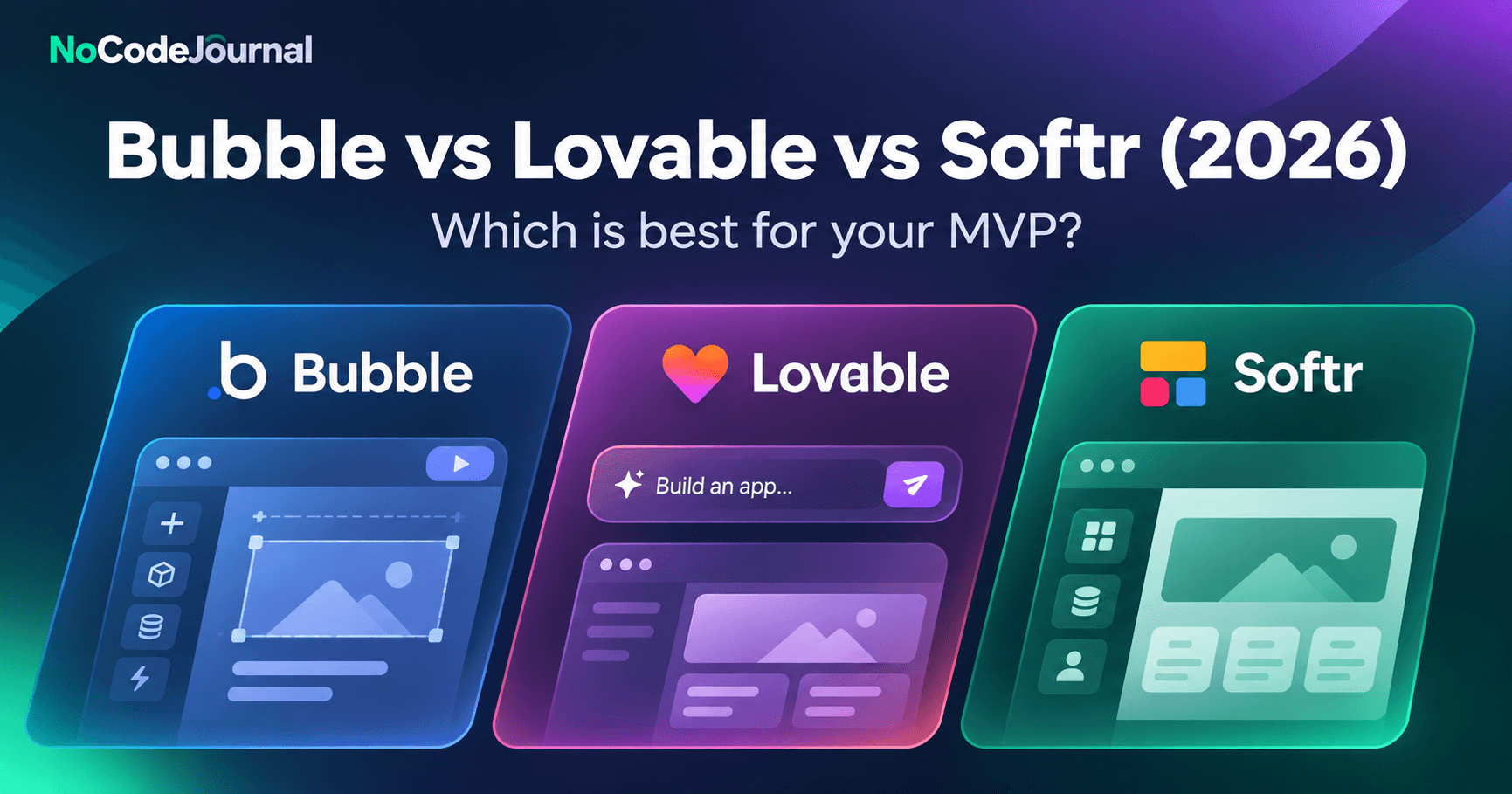
Bubble, Lovable, and Softr serve different startup needs in 2026. Bubble is a visual builder for full web applications with built-in databases and workflows, making it suitable for complex MVPs. Lovable generates real, exportable application code from AI prompts, making it useful for rapid prototyping with developer flexibility. Softr uses visual blocks and connected data to create client portals and internal tools quickly. Choose based on customization, portability, and the product you're building.
Choosing the right no-code or AI-powered app builder can determine how quickly a startup launches and how easily its product evolves.
For entrepreneurs building a minimum viable product (MVP), the challenge is no longer simply finding a platform that can create an application without programming. Modern builders offer visual development, AI-assisted generation, databases, workflows, user authentication, and integrations.
However, these features work differently across platforms.
Bubble focuses on visual application development and configurable workflows. Lovable uses natural-language prompts to generate applications and editable code. Softr provides a structured environment for building data-driven business applications.
The right decision depends on your product requirements, technical resources, budget, and long-term plans.
This comparison examines Bubble vs Lovable vs Softr in November 2026, including pricing, functionality, AI features, code ownership, scalability considerations, and the situations where custom development becomes necessary.
1. Bubble vs Lovable vs Softr: Quick Comparison
Checked November 19, 2026.
The table below summarizes the major differences between the three platforms.
| Tool |
Best for |
How you build |
Backend and data |
Code ownership and export |
AI features |
Starting paid plan |
| Bubble |
Complex MVPs, marketplaces, custom web applications |
Visual editor, workflows, AI assistance |
Built-in database, backend workflows, APIs |
Data export supported; runnable application source code cannot be exported |
AI Agent, AI-assisted generation |
$32/month annually; $39 monthly (Starter Web) |
| Lovable |
AI-generated MVPs, prototypes, custom web applications |
Natural-language prompts, visual edits, generated code |
Lovable Cloud and supported backend integrations |
Generated code belongs to the user; GitHub-based code export |
AI application generation and AI-powered features |
$21/month annually; $25 monthly (Pro) |
| Softr |
Client portals, internal tools, directories, business dashboards |
Visual blocks, templates, AI Co-Builder |
Softr Databases, Airtable, Google Sheets, other integrations |
Data export supported; no complete application source-code export |
AI Co-Builder, Vibe Coding blocks |
$19/month annually; $25 monthly (Basic) |
Pricing note: All amounts are in USD. Annual prices represent monthly equivalents billed yearly. These are starting subscription prices, not estimates of total production costs.
Source pricing pages: Bubble, Lovable, and Softr.
Quick verdict: Which should you choose?
Choose Bubble when your product needs custom business logic, interconnected workflows, user roles, and database-driven functionality that you want to manage through a visual editor.
Choose Lovable when you want to generate an interactive application quickly and retain the option of handing the code to developers.
Choose Softr when you need a client portal, operational dashboard, directory, or internal application based on existing business data.
All three provide free starting options. Nevertheless, the lowest subscription price does not necessarily produce the lowest long-term cost.
Consider development effort, usage allowances, integrations, maintenance, and migration requirements before selecting a platform.
2. Bubble: Strengths, Limitations, and Who Should Use It
Bubble is a visual application development platform designed to build applications with configurable interfaces, databases, workflows, and integrations.
Instead of writing every component manually, users build screens in a visual editor and configure the logic connecting them.
For founders who need more than a basic website or form, Bubble offers substantial control over application behavior.
Key strengths of Bubble
Visual workflows and business logic
Bubble allows users to define actions triggered by events such as button clicks, form submissions, database updates, and user activity.
These workflows can support booking systems, subscription applications, marketplaces, approval processes, and other business operations.
Built-in database
Applications can store information directly within Bubble. Founders can define data types, relationships, privacy rules, and workflows without configuring a separate database service for every project.
Flexible application interfaces
Bubble supports customized interfaces beyond the predefined layouts available in many template-based builders.
This makes it useful when a product requires different experiences for customers, administrators, vendors, and other user groups.
AI-assisted development
Bubble's AI Agent and generation capabilities help users create and modify applications. The underlying visual editor remains available for direct changes.
Limitations of Bubble
Learning curve: Although Bubble does not require traditional programming, building complex workflows still requires an understanding of application logic, data structures, and debugging.
Usage-based costs: Bubble measures server activity through workload units. Resource-intensive applications may require additional workload allowances or higher plans.
Limited code portability: Bubble does not provide a runnable export of the underlying application code. Founders can export data, but moving to another framework generally requires rebuilding application logic.
Maintenance complexity: Large collections of workflows, plugins, and dependencies can become difficult to manage without consistent documentation.
Who should choose Bubble?
Bubble is worth considering for founders creating:
-
Marketplace applications with multiple user roles
-
Subscription-based SaaS products
-
Customer-facing dashboards
-
Booking and reservation platforms
-
Web applications requiring complex workflows
Verdict: Bubble is a practical choice for founders who prioritize visual control and configurable functionality, provided they accept the platform's hosting and code-portability model.
3. Lovable: Strengths, Limitations, and Who Should Use It
Lovable approaches application development differently.
Rather than requiring founders to assemble every screen and workflow manually, Lovable uses AI to generate applications from natural-language instructions.
A founder might describe a customer management system, specify required fields and permissions, and ask Lovable to generate the initial application.
The generated product can then be refined through further prompts, visual edits, and code changes.
Key strengths of Lovable
Natural-language application development
Lovable enables founders to describe product requirements conversationally. This can shorten the time spent translating an idea into an initial working prototype.
Real application code
Unlike platforms that only expose proprietary visual configurations, Lovable generates code that can be accessed and developed further.
Its GitHub integration supports transferring application code to a repository, allowing technical teams to inspect and extend it.
Backend capabilities
Lovable supports hosted backend services through Lovable Cloud and integrations with supported services.
Applications can use authentication, persistent data, and backend functionality rather than operating solely as static prototypes.
AI-assisted iteration
Founders can request interface adjustments, additional screens, or new functionality through prompts, making iterative experimentation accessible to less technical teams.
Limitations of Lovable
AI-generated code requires review
Generating code does not guarantee secure, maintainable, or production-ready software.
Authentication, authorization, input validation, sensitive data handling, and external API integrations need appropriate testing.
Prompt quality matters
Unclear instructions can lead to inconsistent functionality or designs that do not fully reflect the original requirements.
Founders should document expected behavior and review each important workflow.
Development credits and hosting usage
Lovable uses a credit-based model for building and certain services. Larger applications or frequent iteration may require additional credits.
Technical involvement may become necessary
Although the platform reduces initial development effort, sophisticated integrations, performance issues, and architecture changes may still require experienced developers.
Who should choose Lovable?
Lovable is suitable for:
-
Founders testing an early-stage startup idea
-
Interactive MVPs for investor demonstrations
-
Custom web application prototypes
-
Teams planning to involve developers later
-
Products where code ownership is an important requirement
Verdict: Lovable offers a flexible route from AI-assisted prototyping toward developer-managed applications. However, teams must treat code generation as the beginning of engineering review, not a replacement for it.
Need it built and run for you instead? DSHG Sonic, an AI Native Startup Studio, takes founders from idea to working product with senior engineers.
4. Softr: Strengths, Limitations, and Who Should Use It
Softr focuses on making structured business applications accessible through visual building blocks, databases, and integrations.
It is especially useful when an organization already manages its information through tools such as Airtable or Google Sheets and wants to create a more usable interface.
Instead of developing an application from scratch, teams can connect their data and configure pages, forms, permissions, and workflows.
Key strengths of Softr
Ready-made application components
Softr offers building blocks for lists, tables, forms, dashboards, and related interfaces.
These components can simplify the process of creating operational applications without designing every screen independently.
Existing data integrations
Softr can connect to external data sources, including Airtable and Google Sheets, or use Softr Databases.
This is useful for organizations that want to extend existing business systems rather than migrate all their records immediately.
Client portals and internal tools
Softr supports authenticated applications, user groups, permissions, and data-driven interfaces.
Common examples include customer portals, employee dashboards, directories, and project tracking applications.
AI-assisted building
Softr's AI Co-Builder helps create application structures, databases, and workflows. Vibe Coding blocks can extend interfaces with AI-generated components.
Limitations of Softr
Less freedom over application architecture
Softr's structured environment works well for common business use cases but may not suit highly unusual application interfaces or complex custom processing.
No full application source-code export
Softr operates as a managed platform. Although users can export supported data, they cannot export a complete standalone application codebase for independent hosting.
Plan allowances matter
Pricing and capabilities depend on factors such as app users, records, workflow actions, builders, and access to advanced features.
A portal serving a small team may have different subscription needs from one serving hundreds of customers.
Who should choose Softr?
Softr is a strong option for:
-
Client and partner portals
-
Internal company dashboards
-
Directories and membership applications
-
Lightweight CRM interfaces
-
Data-driven business operations
Verdict: Softr is particularly useful when an application primarily presents, updates, and manages structured information. It is less suitable when full application code ownership or extensive architectural customization is essential.
5. Which Platform Should You Pick for Your Project?
The best no-code app builder depends less on the popularity of a platform and more on the problem your application must solve.
Startup MVP for investors
For an early-stage founder demonstrating a product concept, Lovable can be useful for generating an interactive prototype from a detailed specification.
Bubble becomes attractive when that demonstration needs complex workflows, relationships, and user interactions built visually.
Before presenting an MVP, confirm that every demonstrated feature works with real application data.
Client portal
For a portal where customers log in, access records, submit requests, and view updates, Softr is a logical starting point.
Its data integrations and configurable permissions fit many standard portal requirements.
Bubble may be preferable if the portal requires unusual workflows or substantially customized interfaces.
Internal business tool
Softr is suitable for operational dashboards, approval systems, and tools built around existing records.
Lovable is worth considering when the internal tool requires a custom application interface and the organization wants developers to maintain the code later.
Evaluate access permissions and data security before connecting confidential business information.
Marketplace application
Bubble is often a practical starting point for a marketplace involving listings, profiles, transactions, and multiple participant roles.
However, payment processing, permissions, disputes, and specialized marketplace rules still require detailed planning and testing.
Products intended for long-term custom development
Lovable offers an advantage when an organization expects to transition generated code into a developer-managed repository.
Nevertheless, owning source code is not the same as owning every hosted service or infrastructure dependency.
Document the database, authentication system, file storage, and deployment requirements separately.
For more options, read our guide to the best no-code tools for startups in 2026.
6. Pricing, Code Ownership, and Scalability: What Matters Beyond the Subscription
Starting subscription prices provide only a partial picture of application costs.
A founder should evaluate three additional considerations.
Total operating costs
Bubble applications may consume additional workload units as database activity and server processing increase.
Lovable projects may require credits for development, hosting, or AI-powered functionality.
Softr subscriptions depend partly on user allowances, data records, and workflow usage.
Estimate likely production activity before deciding that one platform is cheaper than another.
Code and data portability
Bubble supports data export but not runnable application-code export.
Lovable supports access to generated code through GitHub-based workflows, although moving hosted backend services may involve additional work.
Softr supports data export but does not provide a complete application codebase for self-hosting.
For founders planning a future migration, these differences are significant.
Security and performance
Built-in platform capabilities do not eliminate the need to test authentication, permissions, API connections, and performance under realistic usage.
Security requirements should influence the architecture from the beginning, especially when applications process confidential or regulated information.
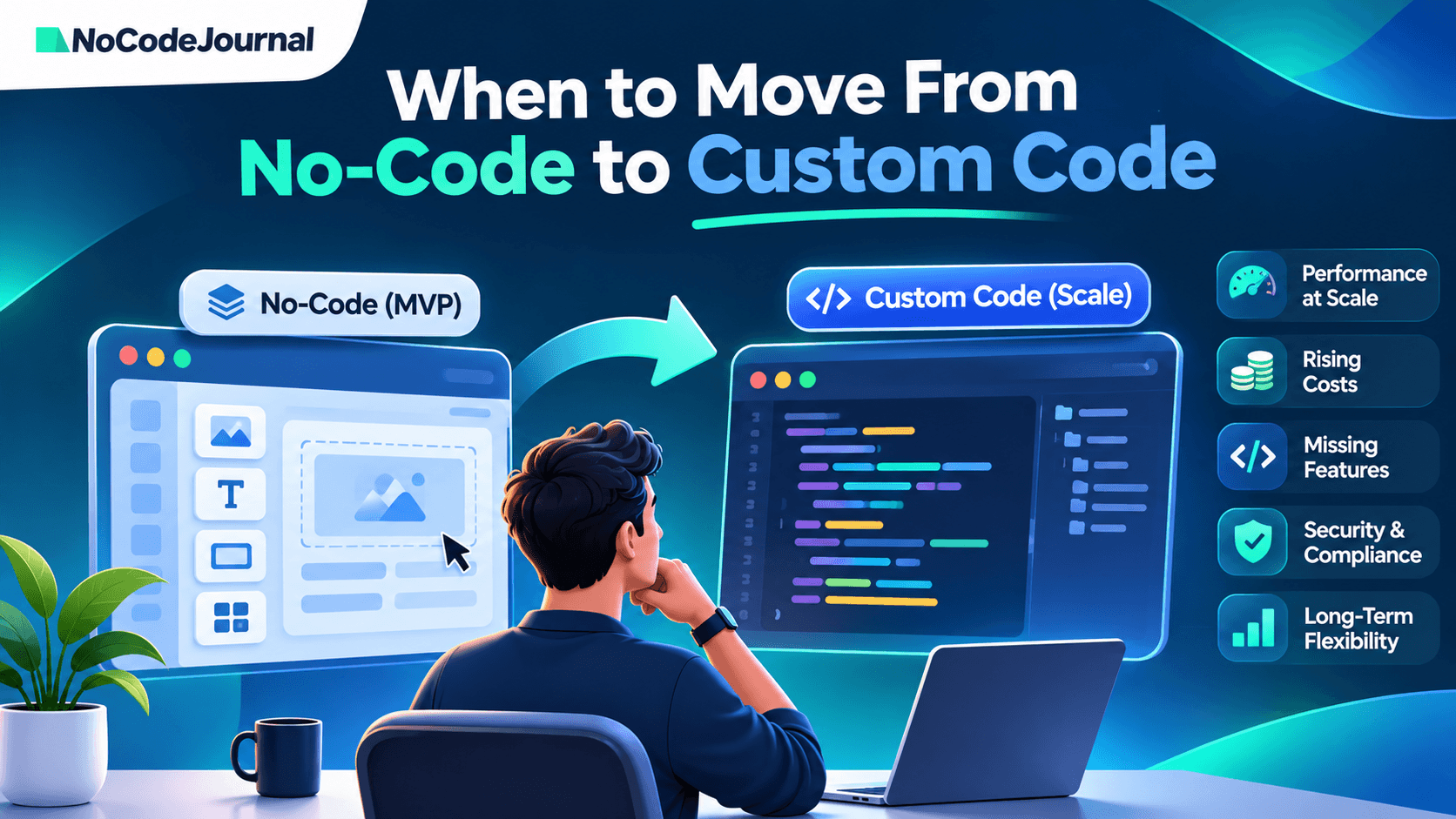
7. When None of These Tools Fit: Moving to Custom Code
No-code and AI-powered builders are valuable because they reduce the initial effort of creating software.
However, they are not appropriate for every application.
A founder may need custom development when:
-
Performance becomes unacceptable under real user load.
-
Required integrations cannot be implemented reliably.
-
Usage-based costs grow beyond sustainable levels.
-
Security or compliance requirements demand greater infrastructure control.
-
The product requires functionality unsupported by the builder.
-
Vendor dependence creates unacceptable business risk.
-
Investors or enterprise buyers require deeper technical documentation and architecture reviews.
Rebuilding the entire application is not always necessary.
Some startups adopt a hybrid architecture, keeping selected no-code components while moving critical business logic, integrations, or databases to custom systems.
Other teams eventually replace the application with a fully custom implementation.
The decision should depend on measured limitations rather than the assumption that custom code is always superior.
For a practical migration framework, read when to move from no-code to custom code.
8. How to Evaluate a Builder Before Committing
Before selecting Bubble, Lovable, or Softr, test a small but realistic version of your product.
Start by documenting your essential user roles, data relationships, and three most important workflows.
Build one representative workflow instead of spending the entire evaluation period polishing the homepage.
Then test how the application handles permissions, failed requests, data updates, and external integrations.
Review subscription limits against anticipated usage, not just prototype activity.
Finally, consider what would happen if the product needed to move to another platform.
An exportable database, documented integrations, and well-understood dependencies can reduce future migration costs.
The goal is not to predict every future requirement. It is to avoid making an early technical decision without understanding its trade-offs.
9. Frequently Asked Questions
Is Lovable better than Bubble?
Lovable is useful for AI-assisted prototyping and applications where source-code ownership matters. Bubble is a stronger fit for founders who prefer a visual editor with built-in database and workflow tools. Neither is better for every project. The choice depends on the application's complexity, development process, and long-term maintenance requirements.
Can I export my code from Bubble?
Bubble lets you export application data, but it does not provide a runnable export of your application's source code. Moving to another platform generally requires rebuilding the application logic and interface. Founders should account for this limitation when planning long-term architecture and potential migration.
Is Softr good for a startup MVP?
Yes. Softr is useful for MVPs built around client portals, directories, dashboards, and internal workflows. Products requiring highly customized interfaces or unusual backend behavior may be better served by another platform. Evaluate your data structure, required permissions, and future development needs before choosing it.
Which is cheapest to start: Bubble, Lovable, or Softr?
All three offer free ways to start building. As checked in November 2026, the starting paid plans billed annually were Softr Basic at $19 per month, Lovable Pro at $21 per month, and Bubble Starter Web at $32 per month. Compare usage allowances, required features, hosting costs, and billing terms before deciding.
Can I move from Lovable or Bubble to custom code later?
Yes, but the migration process differs. Lovable supports GitHub-based code export, allowing developers to continue working on generated code. Bubble supports data export, but its visual application generally needs rebuilding in a custom-code framework. Backend services, databases, authentication, and integrations should also be assessed during any migration.
10. Final Verdict: Bubble vs Lovable vs Softr in 2026
There is no universally best platform for every startup.
Bubble is appropriate for founders who want to develop relatively complex applications visually, using built-in data and workflow capabilities.
Lovable is useful for AI-assisted application creation, especially when generated code and future developer involvement are priorities.
Softr is well suited to client portals, internal tools, and other structured applications built around business data.
Before choosing, evaluate your MVP requirements, budget, team capabilities, data portability, security needs, and future growth plans.
The best builder is the one that can support your immediate product goals without introducing unacceptable long-term constraints.
Need it built and run for you instead? DSHG Sonic, an AI Native Startup Studio, takes founders from idea to working product with senior engineers.
Sources and Further Reading