Enterprise Low-Code Platforms (2026): Features, Pricing and How to Choose

Enterprise Low-Code Platforms (2026): Features, Pricing and How to Choose

No-Code Trends13 min readPublished Updated Sourabh Mate

Compare eight enterprise low-code platforms in 2026, including pricing, features, security, governance and limitations. Learn how to choose the right platform.

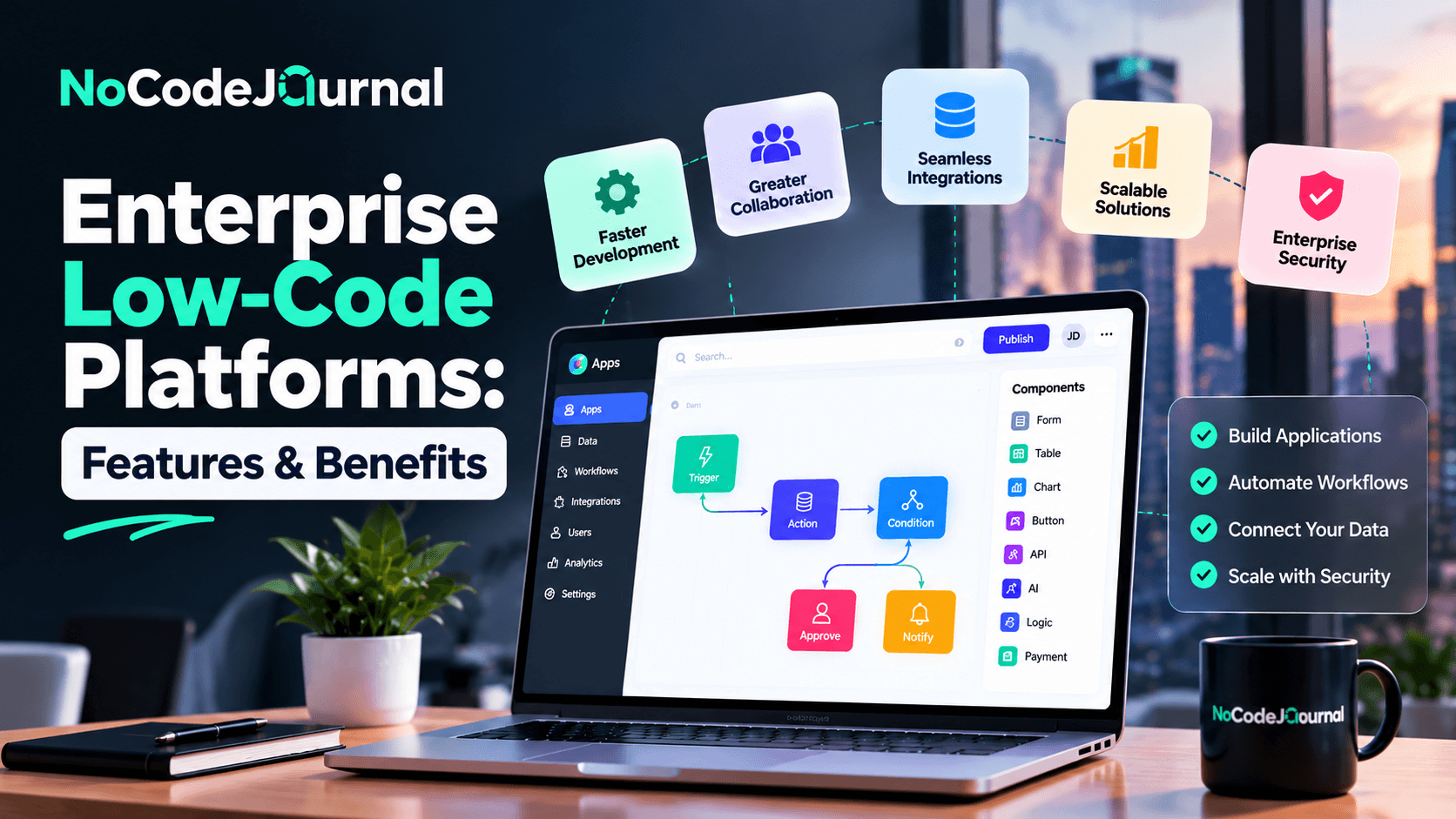
In 2026, enterprise low-code platforms enable organizations to build applications, automate business workflows, and integrate existing systems using visual development tools and minimal manual coding. Platforms such as Microsoft Power Apps, Mendix, OutSystems, Quickbase, and Creatio help businesses modernize operations, reduce repetitive development work, and respond to changing requirements. The best platform depends on an organization's security needs, integration complexity, scalability requirements, and available development resources.

Best Enterprise Low-Code Platforms: Features and Pricing (2026)

Prices checked 25 November 2026

Platform Starting price Best for Key limitations
Microsoft Power Apps Premium: $20/user/month, paid yearly Microsoft 365 organizations Licensing complexity and Dataverse capacity limits
Kintone $24/user/month; minimum 5 users ($120/month) Departmental apps and workflow management Minimum 5 users; record and API limits
Quickbase Team: from $35/user/month, billed annually Operational databases and cross-team workflows Platform minimum and additional enterprise costs
Creatio Growth: from $40/user/month; confirm regional rate and configuration CRM and business process automation CRM modules and support may cost extra
Mendix Standard: from $1,090/month for one app (US listing); €918/month on European listing; free tier available Enterprise application development Compute resources cost extra; production licensing and deployment complexity
OutSystems Contact sales Complex enterprise applications Implementation and licensing complexity
AgilePoint Standard: $39/named seat/month; minimum 50 seats; limited free Community Edition available Business process automation Minimum seat commitment; alternative capacity-based licensing
TrackVia Contact sales Field operations and workflow applications Pricing requires vendor consultation

Prices reflect publicly listed entry-level paid offerings, not the total cost of an enterprise deployment. Prices are in US dollars unless otherwise indicated. Billing terms, minimum commitments, hosting, integrations, support and regional pricing can affect the final cost. Creatio describes its Growth starting rate in its official pricing explanation; confirm the applicable price using its pricing calculator. Mendix displays regional currencies, and compute resources are separate from its paid license price. Microsoft has announced a Power Apps Premium price increase effective January 1, 2027. Confirm applicable licensing terms directly with each vendor before purchasing.

The platforms are presented by use case, not as an overall performance ranking.

Which Enterprise Low-Code Platform Should You Choose?

Microsoft Power Apps is a practical option for companies already using Microsoft 365, Azure, and related business tools. Kintone and Quickbase are suitable for organizations looking to replace spreadsheets and disconnected manual processes with structured applications, while Creatio offers integrated CRM and process automation capabilities.

For organizations developing more complex enterprise applications, Mendix and OutSystems provide broader application development capabilities. AgilePoint and TrackVia are worth evaluating for process-heavy and field-focused operations.

Before selecting a platform, businesses should compare not only subscription pricing but also integration requirements, data security, user licensing, deployment options, scalability, and long-term maintenance costs.

What Are Enterprise Low-Code Application Platforms?

An enterprise low-code application platform is a software environment used to develop, deploy, and maintain applications with a reduced amount of traditional programming.

Common capabilities include visual interfaces, predefined components, workflow builders, data connections, and deployment tools.

Unlike basic no-code website builders, enterprise low-code platforms often need to work with complex processes, multiple departments, business-critical data, and existing IT infrastructure.

Low-code also differs from pure no-code development. Although many tasks can be completed visually, custom code may still be necessary for specialized functionality or integrations.

How Low-Code Supports Business Agility

Business agility is an organization's ability to respond effectively to changing customer needs, market conditions, and operational requirements.

Low-code platforms can support agility in several ways.

Faster Application Development

Reusable components and visual development reduce the need to create every interface and workflow from scratch.

This can shorten development cycles for suitable applications, although timelines still depend on complexity, integration requirements, and testing.

Greater Participation from Business Users

Employees who understand operational processes can contribute to application design, workflow requirements, and testing.

This helps reduce the gap between the people requesting software and those building it.

However, business participation should complement—not replace—appropriate IT oversight.

Easier Process Improvement

Organizations can use low-code tools to automate approvals, digitize forms, and replace disconnected spreadsheets with structured workflows.

For example, a purchasing department might create a workflow in which requests are submitted, reviewed, approved, and recorded in a central system.

More Frequent Iteration

Visual development environments can make routine adjustments easier.

Teams may be able to revise interfaces, update business rules, and improve workflows based on employee feedback without rebuilding an entire application.

Essential Features of an Enterprise Low-Code Platform

1. Visual Development Environment

An effective low-code platform should provide an interface for designing screens, forms, navigation, and business workflows.

Drag-and-drop editors and live previews can make development more approachable.

However, visual simplicity should not come at the expense of maintainable application architecture.

2. Enterprise Integration Capabilities

Business applications rarely work in isolation.

Organizations should evaluate connections to CRM platforms, ERP systems, databases, identity providers, external APIs, and existing internal services.

Native integrations can reduce implementation work, but teams should examine how errors, authentication, rate limits, and data synchronization are handled.

3. Reusable Components and Templates

Shared design elements, workflow templates, and reusable logic can help development teams maintain consistency across applications.

For example, an organization could provide standardized approval components, form layouts, and authentication patterns for internal projects.

4. Workflow and Process Automation

Many enterprise applications exist to coordinate work between people and systems.

Useful capabilities may include conditional approvals, task assignment, notifications, scheduled actions, process monitoring, and integration with external systems.

Complex workflows also need appropriate exception handling and audit records.

5. Collaboration and Version Management

Enterprise software development involves multiple contributors.

Platforms should support suitable development roles, version history, testing environments, deployment processes, and methods for reviewing changes.

Organizations should also confirm how rollbacks and application recovery work.

6. Security and Governance

Security is a critical consideration when business applications manage sensitive or operationally important information.

Evaluate role-based permissions, identity integration, audit logging, data protection, and governance policies.

The platform's features must be configured correctly; purchasing an enterprise product does not automatically make every application secure.

7. Mobile and Responsive Experiences

Some businesses need applications for employees working in warehouses, retail locations, construction sites, or other environments away from a desk.

Depending on the use case, responsive web interfaces may be sufficient.

Other applications may need native mobile capabilities, device integrations, or offline functionality.

8. Monitoring and Analytics

Teams should be able to understand how applications and workflows are performing.

Useful capabilities include logs, error monitoring, process reporting, and operational dashboards.

For business-critical systems, evaluate how failures are reported, investigated, and resolved.

9. Scalability and Extensibility

An application that works for a small pilot may have different requirements when rolled out across an organization.

Evaluate usage limits, performance, environment management, integration capacity, and support for custom logic.

A low-code platform should fit the intended scale of the application—not simply the initial demonstration.

Need an enterprise app or AI workflow built and run for you? DSHG Sonic, an AI Native Startup Studio, pairs senior engineers with AI agents to take it from pilot to production.
Enterprise Low-Code Platforms to Evaluate

The following platforms address different business needs. They should not be interpreted as a current industry ranking.

AgilePoint

AgilePoint focuses on business process automation and application development.

It may be relevant to organizations that need configurable process-driven solutions and integrations across business systems.

Creatio

Creatio combines CRM functionality with workflow automation and no-code development capabilities.

Businesses evaluating customer-facing processes, sales operations, and enterprise workflows may find its approach relevant.

Kintone

Kintone supports collaborative business applications built around structured data.

Teams can use it to organize records, coordinate work, and build department-specific workflows.

Quickbase

Quickbase provides tools for creating data-driven business applications and operational workflows.

It is worth evaluating for organizations managing complex internal processes that involve several teams and data sources.

TrackVia

TrackVia focuses on operational applications and workflow management, including work performed in the field.

It may suit businesses seeking structured alternatives to spreadsheets and manual operational processes.

Microsoft Power Apps

Microsoft Power Apps provides low-code development within the broader Microsoft Power Platform ecosystem.

It may be appropriate for organizations already using Microsoft services and seeking connected applications and workflows.

Mendix

Mendix offers an enterprise application development platform intended for low-code projects involving different developer roles and business requirements.

It is worth considering when organizations need an established development lifecycle and broader application capabilities.

OutSystems

OutSystems offers application development capabilities for organizations building and managing business software.

Its suitability should be evaluated against application complexity, development requirements, deployment preferences, and costs.

These are examples rather than an exhaustive market comparison. Platform capabilities, branding, licensing, and product availability can change, so confirm current information directly with each vendor.

Comparing Low-Code Platforms

Before selecting a platform, evaluate it against your actual business requirements.

Evaluation area Questions to ask
Ease of use Can your intended users build and maintain the required workflows?
Integrations Does it connect securely to your existing systems?
Governance Can IT manage application ownership, permissions, and deployment?
Scalability Can the system support expected usage and data volumes?
Extensibility Can developers add custom logic when necessary?
Mobile access Does it support the devices and environments your users need?
Data portability Can you export application data and transition to another system?
Pricing What is the realistic total cost over several years?

A platform with the most features is not necessarily the best choice. The right product is one that supports the application requirements with an acceptable level of complexity and long-term risk.

Common Enterprise Low-Code Use Cases

Internal Approval Workflows

Organizations can digitize purchasing, expense approvals, and administrative requests.

A structured workflow can record decisions, assign responsibilities, and make outstanding requests easier to track.

Customer and Service Operations

Low-code applications can help teams manage service requests, customer records, and internal handoffs.

These systems may connect with existing CRM platforms rather than replacing them.

Field Operations

Businesses with mobile employees may create tools for inspections, job tracking, task assignments, and collecting information outside the office.

Legacy Workflow Modernization

Departments often rely on spreadsheets, email chains, and manual reporting.

Low-code applications can provide a more structured interface around selected processes while integrating with existing systems where appropriate.

Challenges and Limitations

Vendor Lock-In

Applications may rely heavily on proprietary workflows, components, and deployment systems.

Switching providers can require substantial redevelopment, even if application data can be exported.

Hidden Complexity

A visual editor does not eliminate complicated business rules, data dependencies, or integration requirements.

Governance Risks

Without appropriate oversight, departments may create applications with inconsistent security practices or unclear ownership.

Long-Term Costs

Licensing, user counts, application capacity, integration services, training, and ongoing administration can affect the total cost.

Technical Limitations

Some applications may require capabilities that are difficult or impractical to implement within a particular low-code platform.

Organizations should identify these requirements before committing to a product.

When a platform begins limiting application performance, integration capabilities, security or long-term scalability, organizations may need to evaluate custom development. Our guide on when to move from no-code to custom code explains how to identify these limitations and decide whether a hybrid approach or a custom application is more appropriate.

How to Implement Enterprise Low-Code Successfully

Step 1: Identify a suitable use case. Begin with a workflow that has clear requirements and measurable business value.

Step 2: Document the current process. Understand existing roles, data sources, delays, and dependencies.

Step 3: Set governance standards. Define who can create, approve, deploy, and maintain applications.

Step 4: Build a pilot. Test one application with a small group of users before a broader rollout.

Step 5: Validate integrations and security. Review permissions, data handling, workflow errors, and system dependencies.

Step 6: Measure results. Compare relevant measures such as processing time, manual effort, error rates, and user feedback.

Step 7: Plan for maintenance. Assign application ownership, document dependencies, and define ongoing support responsibilities.

Low-Code vs. Traditional Development

Low-code and traditional development are not mutually exclusive.

Low-code can be valuable for workflows, departmental applications, and use cases where visual development improves delivery efficiency.

Traditional development may be preferable for highly specialized applications, complex architectures, demanding performance requirements, or functionality that cannot be supported efficiently by a chosen platform.

Some organizations use both approaches, selecting the technology based on the application rather than forcing every project into a single development model.

Smaller teams and startups may not need a full enterprise low-code platform during the early stages of product development. Our comparison of the best no-code tools for startups in 2026 explores alternatives for teams looking to validate ideas, build initial products and automate workflows with fewer technical resources.

Frequently Asked Questions

Is low-code suitable for large enterprises?

Yes, provided the selected platform can meet the organization's security, integration, performance, governance, and operational requirements.

Can nontechnical employees build enterprise applications?

Business users can participate in creating some applications, especially when platforms provide accessible visual tools. Production systems may still require technical review and support.

Is low-code cheaper than traditional development?

It can reduce development effort for suitable applications, but total costs depend on licensing, complexity, integrations, and maintenance.

Is low-code secure?

Low-code platforms can provide enterprise security features, but application security depends on implementation, configuration, permissions, and ongoing management.

Does low-code replace software developers?

No. Developers remain important for architecture, complex integrations, specialized functionality, security, and operational support.

What is the best enterprise low-code platform in 2026?

There is no single best enterprise low-code platform for every organization. Microsoft Power Apps may suit businesses already using Microsoft 365, while Mendix and OutSystems are worth evaluating for more complex enterprise applications. The right choice depends on your existing technology stack, governance requirements, integration needs and who will build and maintain the applications. Use the comparison table above to create a shortlist.

What is the difference between an enterprise low-code and an enterprise no-code platform?

Enterprise low-code platforms allow developers to combine visual development tools with custom code and typically operate under IT governance. Enterprise no-code platforms focus on enabling business users to build applications and workflows without writing code. Many enterprise platforms support both approaches, allowing business users and professional developers to collaborate within the same environment.

Final Thoughts

Enterprise low-code development offers organizations an alternative way to build applications, improve workflows, and involve business users more directly in technology projects.

Its value comes from combining development speed with the structure that enterprises require.

The strongest low-code strategy is not simply choosing a visual application builder. It involves selecting appropriate use cases, defining governance, validating integrations, and ensuring that applications remain secure and maintainable.

Businesses should evaluate low-code platforms against their real operational requirements and choose an approach that supports both immediate improvements and long-term flexibility.

Need an enterprise app or AI workflow built and run for you? DSHG Sonic, an AI Native Startup Studio, pairs senior engineers with AI agents to take it from pilot to production.
Related Topics

Enterprise Low-Code Platforms (2026): Features, Pricing and How to Choose | NoCode Journal